Press & media kit
Everything you need to write about gohide: boilerplate text, product facts, logo, screenshots and a 16-second demo. All assets are free to use in coverage of gohide.
Boilerplate
Copy-ready descriptions
One line
gohide is a boss key for Windows 11 and 10: one hotkey hides any app's window, taskbar button and tray icon, and one hotkey brings it all back exactly where it was.
Short (≈50 words)
gohide hides the apps you choose - window, taskbar button and system-tray icon together - with one global hotkey, then restores them exactly where they were. Unlike most window hiders it still works on the current Windows 11 notification area. Free for up to 3 apps; Pro is a one-time purchase.
Long (≈100 words)
gohide is a privacy and focus utility for Windows 11 and 10. Press one global hotkey and the apps you pick disappear completely: their windows, their taskbar buttons and their system-tray icons. Press again and everything returns to its original position, size and stacking order. People use it to hide chats while screen sharing, keep private windows private on a shared PC, or pause a game in a blink. It works offline, needs no account and sends no telemetry. The free version manages up to 3 apps; Pro adds unlimited apps, process suspension, a privacy cover screen and auto-hide rules for a one-time price - never a subscription. The app is available in English, Simplified Chinese, German, French, Japanese and Korean.
Facts
At a glance
- Product
- gohide
- Developer
- Xianwei Zhu
- Platform
- Windows 10 & 11 · x64 / ARM64
- Pricing
- Free for up to 3 apps · Pro is a one-time purchase, no subscription
- Website
- gohide.net
- Microsoft Store
- apps.microsoft.com/detail/9P8TJW0XK995
- Press contact
- support@gohide.net
Assets
Logo, screenshots and video
Right-click to save, or use the download buttons. Screenshots show the English UI on Windows 11; the video has no audio.
Logo

App icon (PNG)
PNG · 512×512

App icon (SVG)
SVG

Hero art, no text (16:9)
PNG · 1920×1080
Screenshots
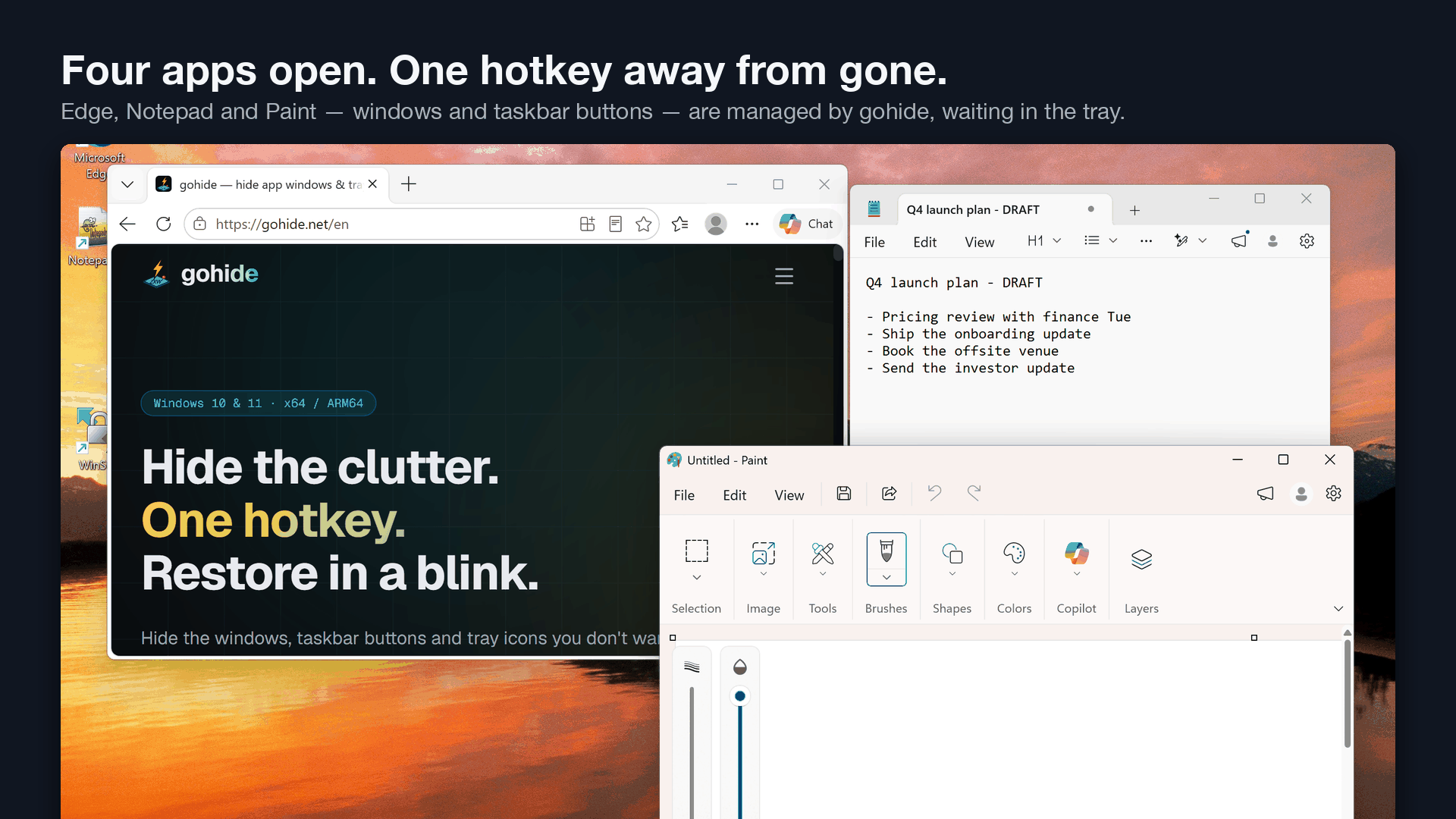
Before: Edge, Notepad and Paint open, gohide in the tray
PNG · 1920×1080
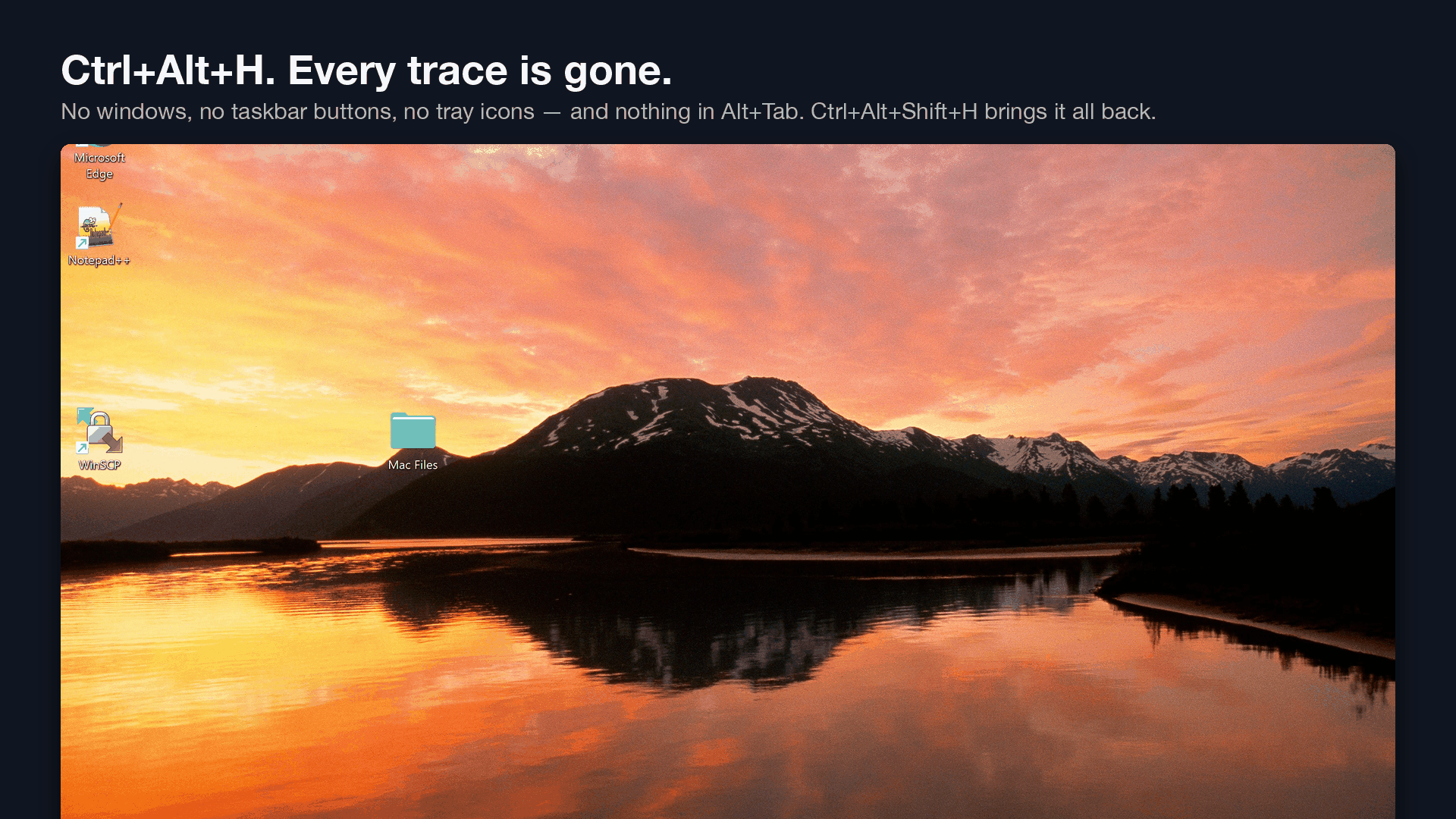
After Ctrl+Alt+H: windows, taskbar buttons and tray icons gone
PNG · 1920×1080
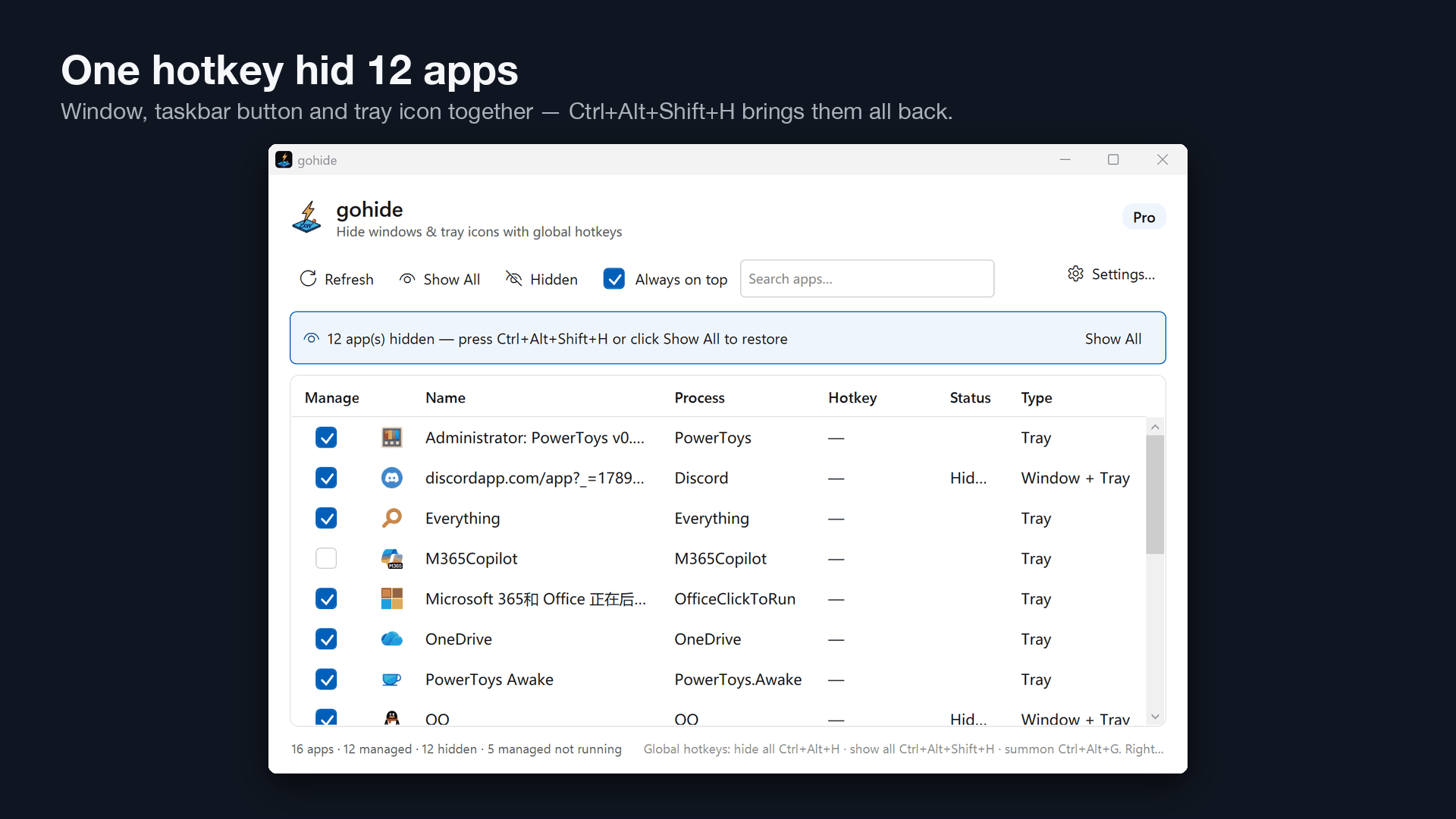
Main window: one hotkey hid 12 apps
PNG · 1920×1080
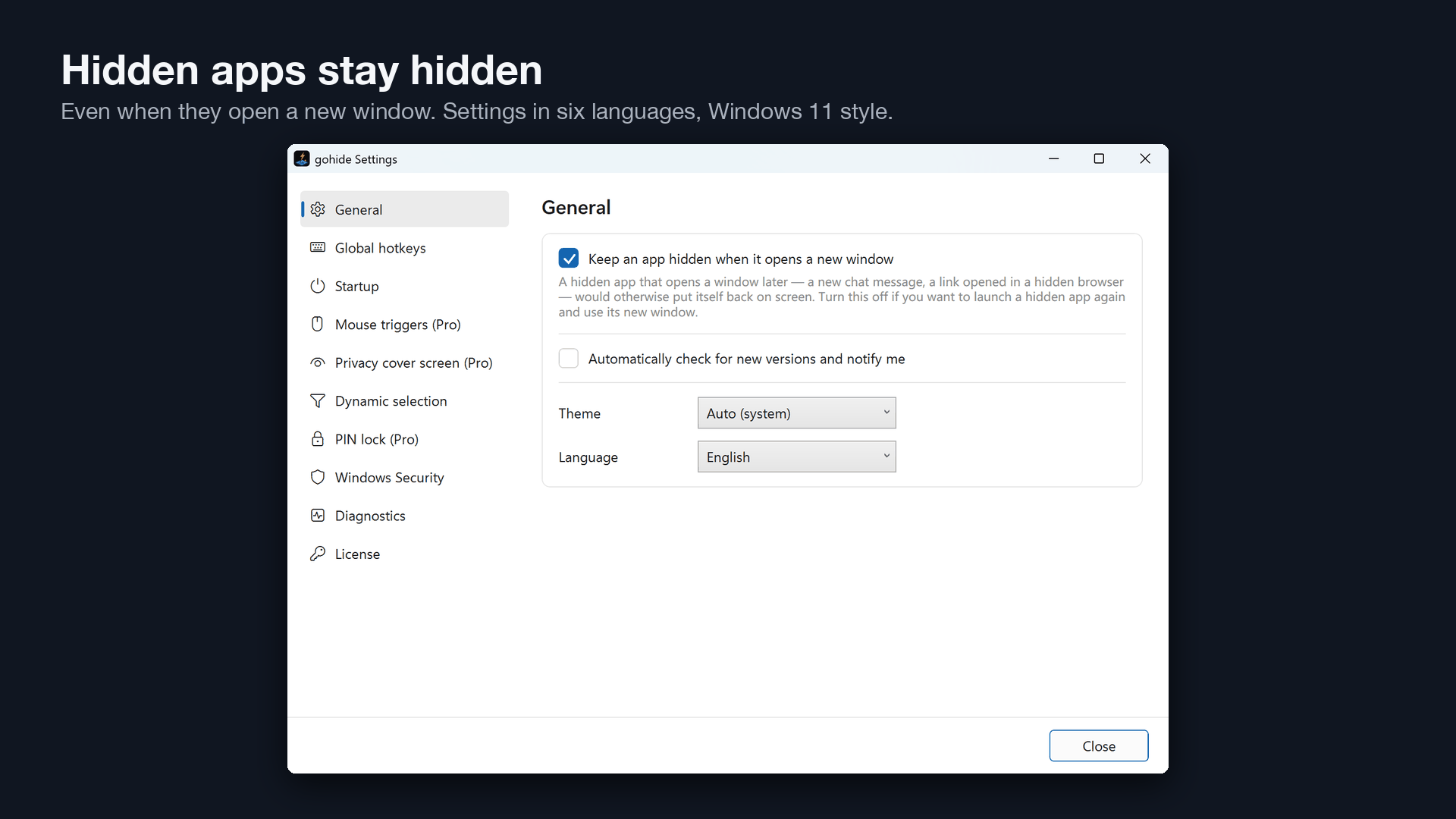
Settings: keep new windows hidden, six languages
PNG · 1920×1080
Demo video
16-second demo: hide all, then restore
MP4 · H.264 · 1920×1080 · 16 s
Brand notes
How to refer to gohide
- The name is always written lowercase: gohide. It is never translated or capitalized, including at the start of a sentence.
- Use the icon as provided; please do not recolor, rotate or add effects.
- Screenshots may be cropped but not altered; captions are optional.
- Accurate wording: gohide hides windows, taskbar buttons and tray icons and restores them; it does not close or uninstall anything.
Contact
Questions, review copies, interviews
Email us for a Pro license key for review purposes, additional screenshots, or technical details about how tray-icon hiding works on Windows 11. We reply within one business day.
support@gohide.net